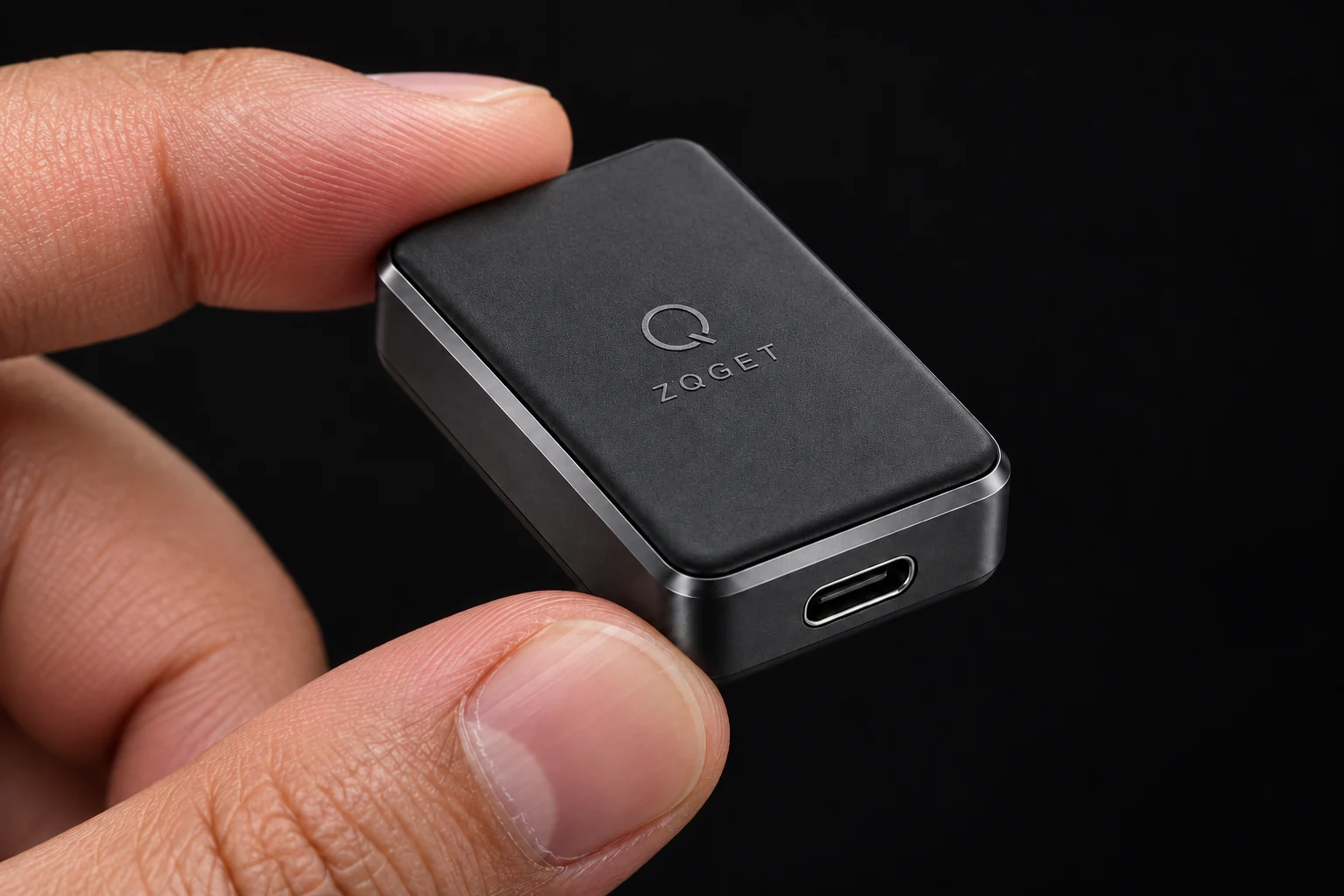
01
Connect
Plug ZQGET MINI into an Android USB port and let the app identify the device.
Device
MINI connected
ZQGET MINI is identified and ready for supported resources.
ZQGET MINI
Connect ZQGET MINI to open supported ZQGET resources on Android.
Explore MINIProduct visualization. Final appearance and colors may vary.
Plug ZQGET MINI into an Android USB port and let the app identify the device.
Device
ZQGET MINI is identified and ready for supported resources.
Open a ZQGET resource link, review the resource and authorize it with MINI.
Resource details
Sintel · 123.31 MiB · 3 files
Verify MINIOpen and play supported content on the phone after authorization.
Sintel.mp4
Open supported content on the phone.
Start playbackZQGET MINI gives the resource entry a clear relationship with a physical device.
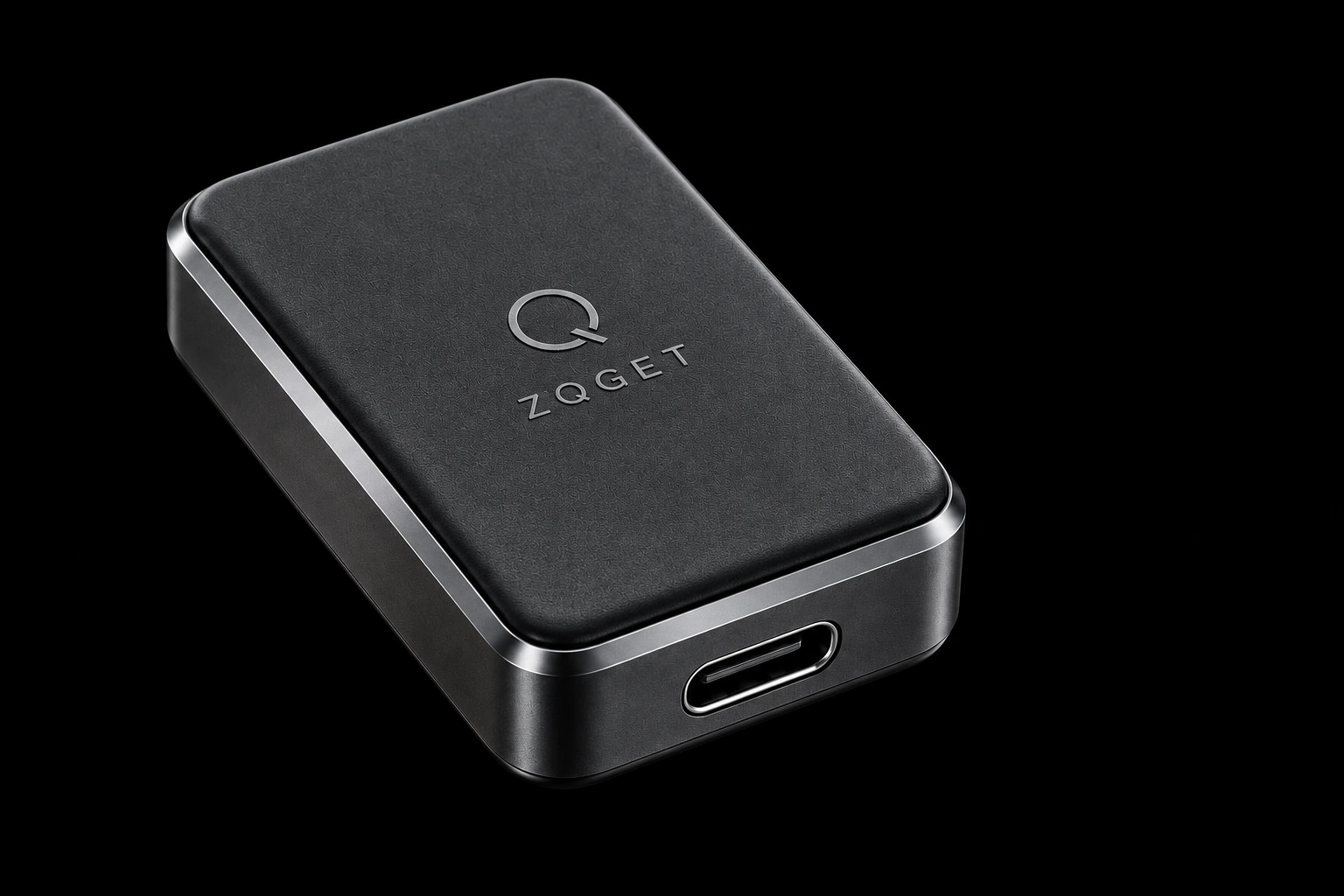
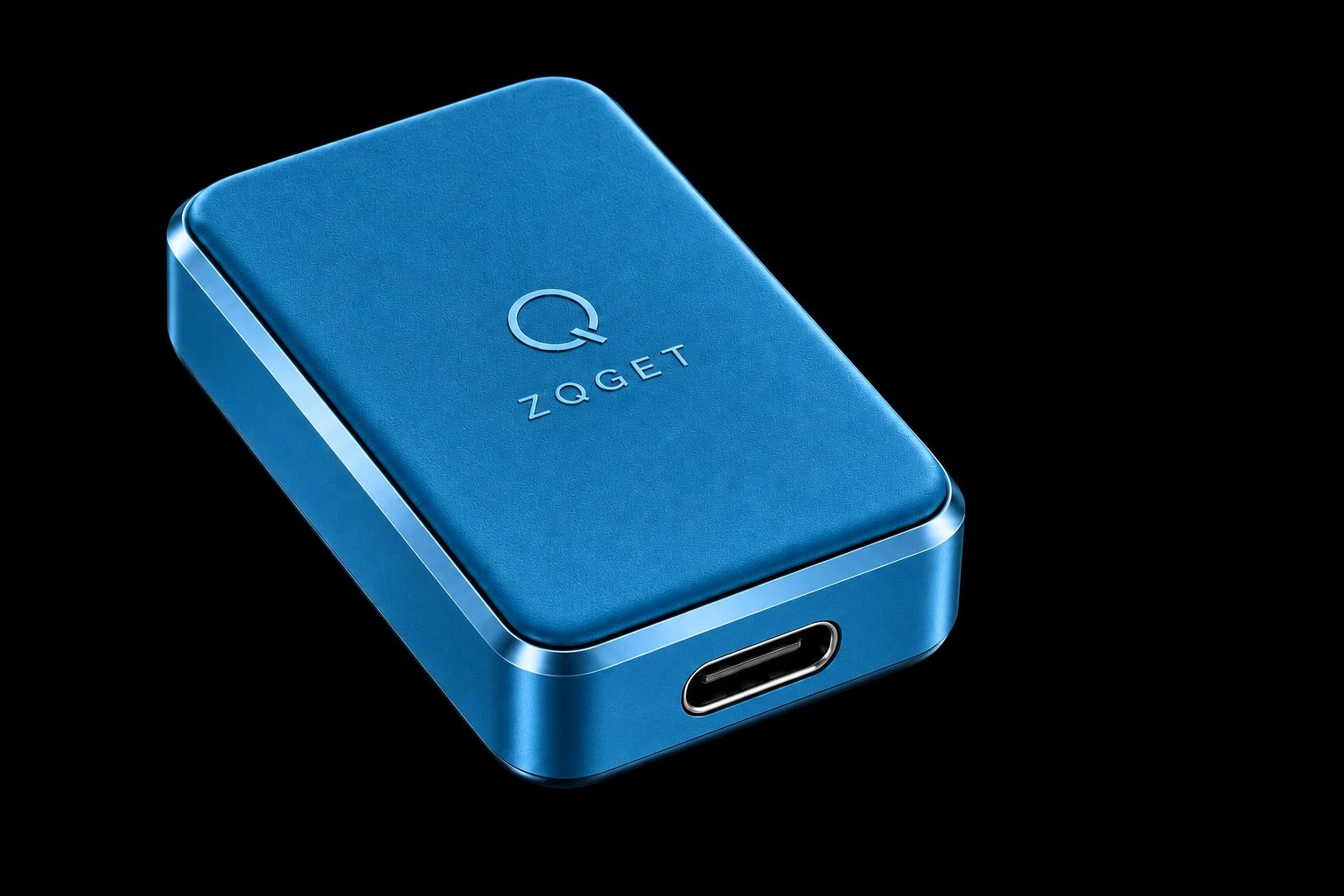
The same ZQGET MINI in a color that feels like yours.
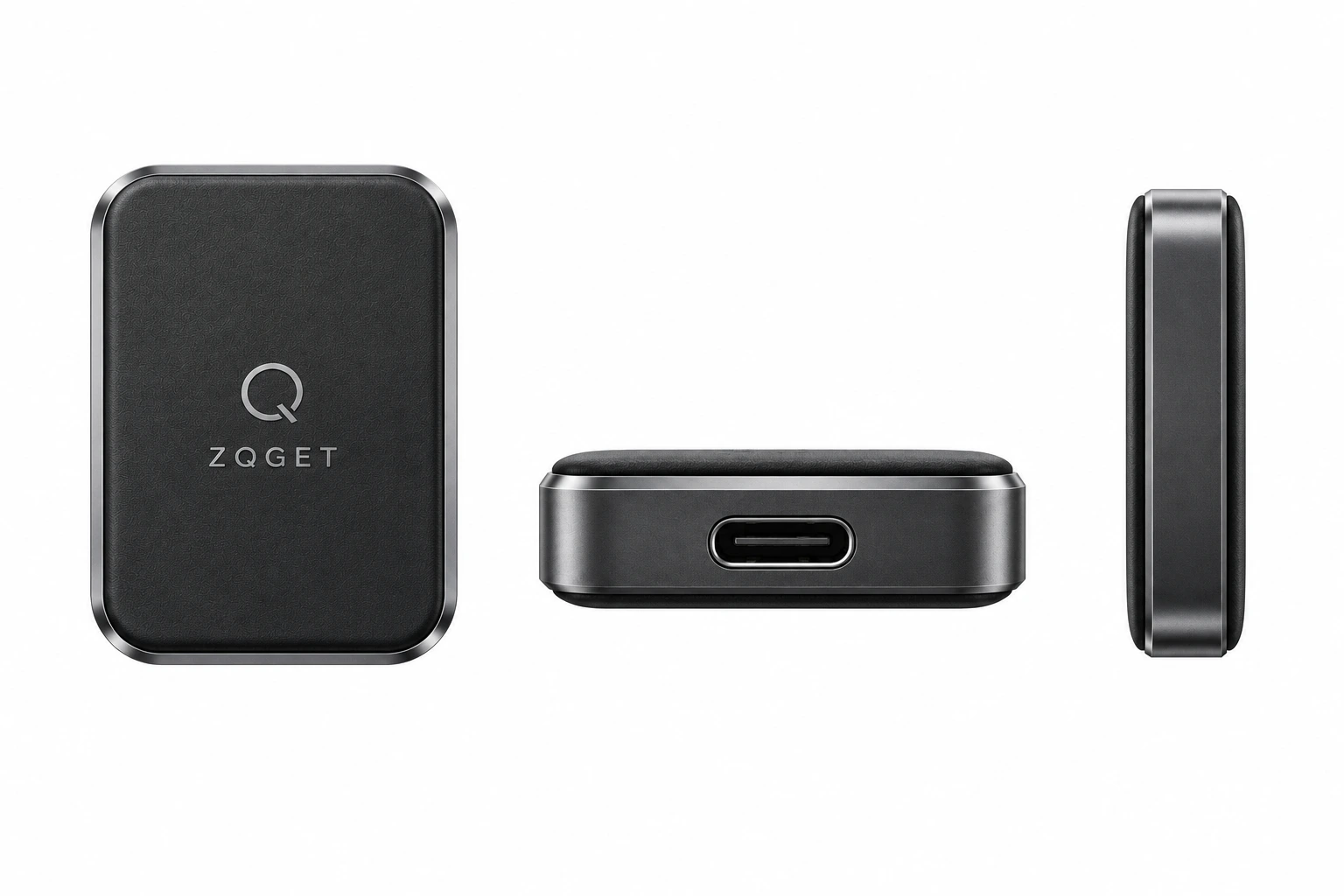
A compact enclosure made for one job: helping Android identify MINI directly.
Enter your shipping and billing details. Payment is under maintenance and no charge will be made.